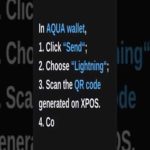
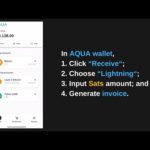
 A quick tutorial on how to hook up your Aqua wallet via the Sam-Rock Protocol plugin. Easily scan in your read-only information to start accepting payment in Bitcoin without having to worry which Bitcoin layer your customer uses. Its a no hassle connection, takes less then 2 minutes to setup, and all while keeping your private keys secure and off the server. Check out the show notes for Aqua wallet which you can also find in your mobile app stores. Aqua Website: https://aqua.net/


Leave a Reply